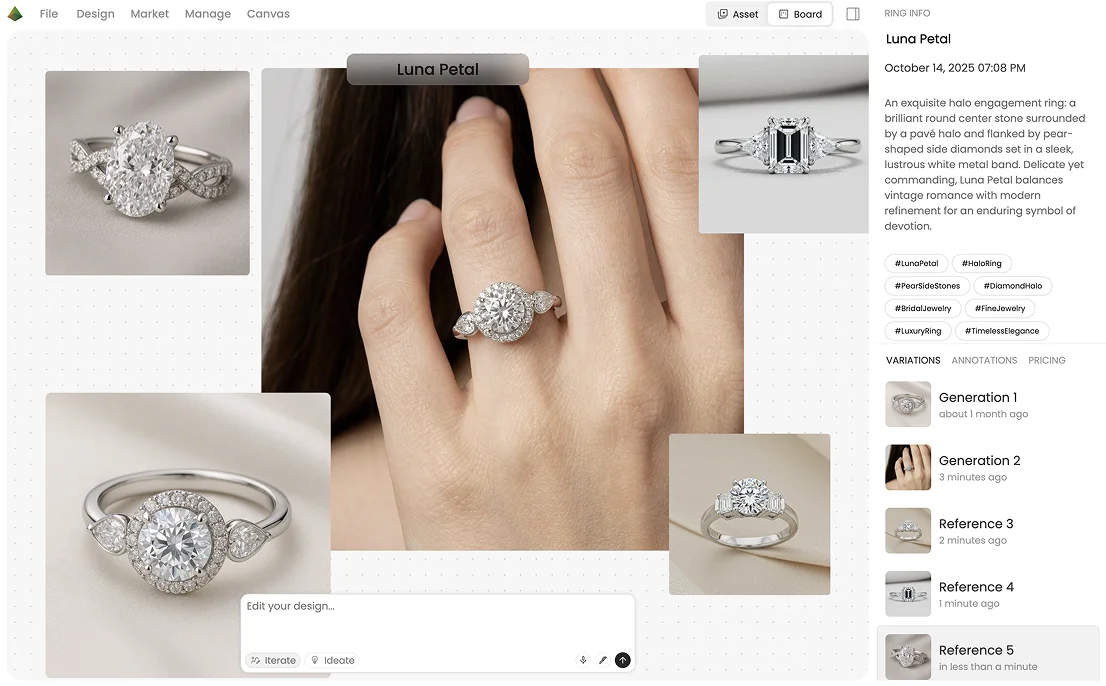
Built for real design workflows,
not novelty prompts.
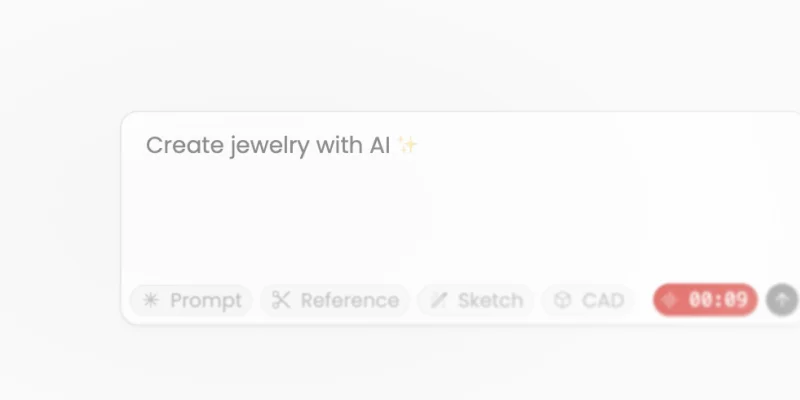
Type a description, upload a hand-drawn sketch, drop in a reference photo, or import a CAD file. Studio meets you at the beginning.
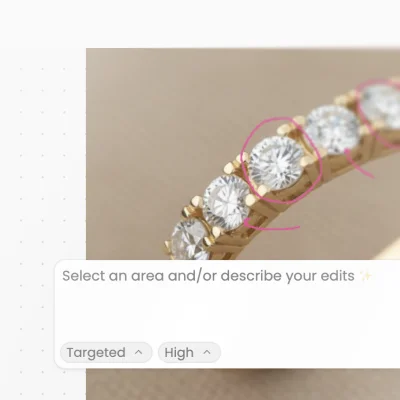
Lasso any stone, prong, or band and prompt only that region. The rest of the piece stays intact.
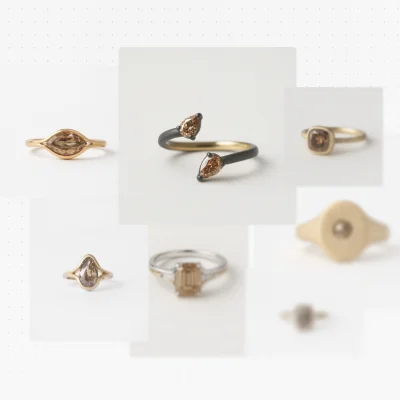
Generate variations that preserve character while exploring a different finish, stone, or structure.
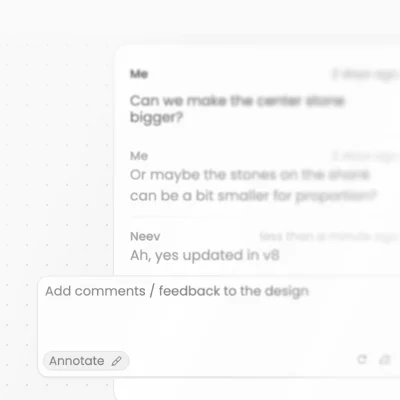
Circle the prong that needs adjustment. Leave a note for the CAD artist. Structured feedback — not WhatsApp voice notes.
Most designers have tried typing "rose gold diamond ring" into a generic image generator and gotten back something that looks vaguely right but couldn't survive a client meeting. Diatech Studio was built by a team with twenty years in jewelry, trained on jewelry-specific data, and designed around how real teams work.
Everything you need,
in one workspace.
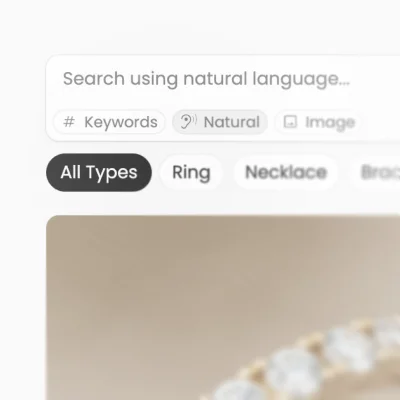
Find any design by typing a description, speaking it aloud, or uploading a reference image.
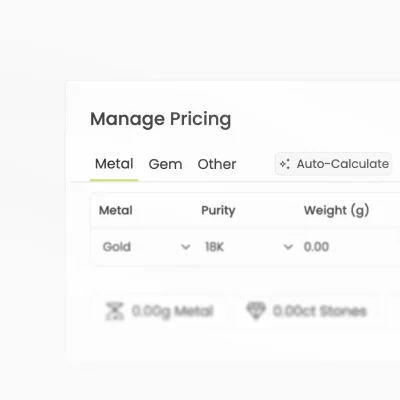
The AI reads the design and breaks down metal, stone count, and visible components into a cost estimate.
Submit a brief for ten designs or upload a CSV for hundreds. The AI runs in the background while you work.
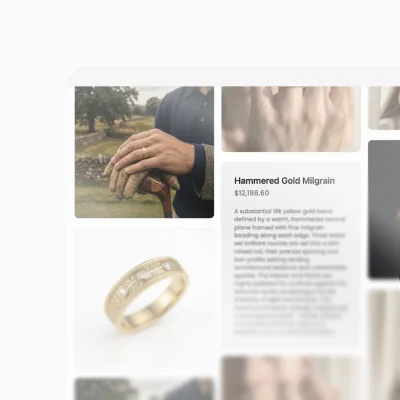
Organize approved designs and share with external clients via a link — no account required on their end.
Mark up designs directly, assign comments to teammates, and keep the full revision history in one place.
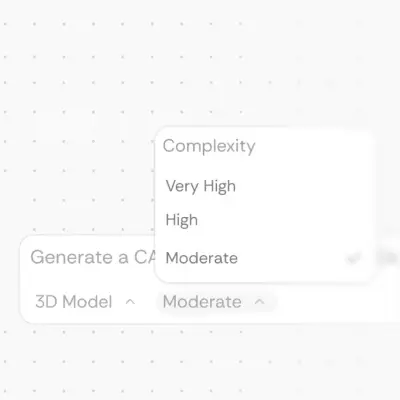
Generate a cleaned mesh (GLB, STL, GLTF, OBJ) from a flat AI-designed render — a starting file for your CAD artist, not parametric manufacturing-tolerance CAD. AI jewelry CAD export / what file comes out
Built for jewelry teams,
not one-off prompts.
- Mid-size brand and studio teams that need review history, catalogs, and pricing in one place
- CAD artists who want a mesh brief instead of redrawing from a JPEG
- Independents who outgrow a solo image generator and need client-ready presentation
- People who only want a fun jewelry wallpaper from a general image model
- Teams that need parametric MatrixGold / Rhino-style CAD as the primary tool (Studio's mesh is a starting file)
How Diatech Studio compares as
AI jewelry design software
| Feature | Diatech Studio | BLNG AI | Tashvi AI |
|---|---|---|---|
| AI design from text / sketch | Yes | Yes | Yes |
| Jewelry-specific AI training | Yes | Yes | Yes |
| Targeted region editing (lasso) | Yes | Yes | — |
| Team collaboration + annotations | Yes | — | — |
| Catalog + client presentation | Yes | — | — |
| BOM + pricing tools | Yes | — | Estimate |
| Batch / CSV generation | Yes | — | — |
| 3D CAD viewer | Yes | — | — |
| Free tier (no CC) | Yes | Yes | Yes |
BLNG is a strong marketing-asset tool for enterprise luxury houses that need lifestyle photography at scale — but no team layer, no catalog, no BOM. Tashvi is the easiest entry point in the market and a good starting tool, but when a team needs to review, present, and price a collection, there's nothing to grow into. Diatech Studio is for teams that need the full arc — idea to approval to production brief.
Start your first AI jewelry design today.
No credit card. No design experience required. Just describe what you want.
Start free →Designers, studios,
and independents.
Manage collection development — from initial concept through client approval — without losing revision history in email threads.
Use the 3D viewer and Technicals mode to reduce the back-and-forth between design intent and manufacturable reality.
Run multiple client engagements in parallel with Agent Mode, bulk CSV jobs, and external catalog links — no asset or billing confusion.
Show clients realistic previews and create social-media-ready content with Prompt-to-Design, Place on Model, and WhatsApp integration — without a production budget.
Questions,
answered.
AI jewelry design uses machine learning models trained on jewelry images and design data to generate photorealistic renders from a text description, sketch, or reference image. The AI understands jewelry-specific elements — stone shapes, metal types, prong settings — and produces outputs that look like professional renderings, not generic AI art.
No. The most common starting point is a plain-language description: "a delicate rose gold ring with a pear-shaped aquamarine and a pavé band." The AI handles the rest. Designers with technical knowledge can use Technicals mode for precise spec-driven generation.
Yes. Diatech Studio has a free tier with no credit card required. It gives you enough to generate your first designs, explore the workspace, and understand whether it fits your workflow. Paid plans unlock higher generation volume, team features, PPTX export, and Enterprise capabilities like AI-to-CAD.
Midjourney produces beautiful images. It has no concept of gem settings, prong styles, or metal weights. There's no team layer, no annotation, no catalog, no pricing. It's a creative ideation tool. Studio is a design and production workflow — one that happens to use AI generation as its core engine.
Yes. Diatech Studio grants full commercial rights to all outputs on paid plans. Unlike some competitors — BLNG's free tier explicitly excludes commercial use — Studio is built for professional use from the start.
Yes. Catalog share links work for anyone — clients, buyers, and external stakeholders can view your presentation, leave annotations, and give feedback without creating a Diatech account. You control which links are active and can revoke access at any time.
Yes. You can import CAD files (GLB, STL, GLTF) into Studio and view them interactively in the 3D viewer. On Enterprise plans, Studio can generate a 3D CAD model directly from an AI-designed image, giving you a production-ready starting point for your CAD artist to refine.
There is no single best tool for every studio. If you only need a quick image, a jewelry-focused generator may be enough. If your team has to edit, price, review, present, and hand a mesh to CAD, use a workspace like Diatech Studio. Pick the tool that matches the full workflow, not only the first render.
It is jewelry-specific design software with AI generation at the core. Generation, search, pricing, team review, client catalogs, and (on Enterprise) mesh export live in one project.
A photoreal render alone cannot. In Studio you can generate a 3D mesh, run Clean CAD, and export GLB, STL, GLTF, or OBJ for sample review and CAD handoff. A CAD artist still refines the model before production. Details: AI jewelry CAD export.
After Clean CAD: GLB, STL, GLTF, or OBJ. Starting mesh, not parametric manufacturing CAD. What file comes out.
Related pages
for AI jewelry design.
Built by people
who know jewelry.
Diatech Studio comes from Lemon Technologies — a company that has been building tools for the diamond and jewelry industry since 2004. This is not a generic AI tool dressed up for jewelry. The training data, the workflow, and the feature set were built around how real jewelry teams actually work.